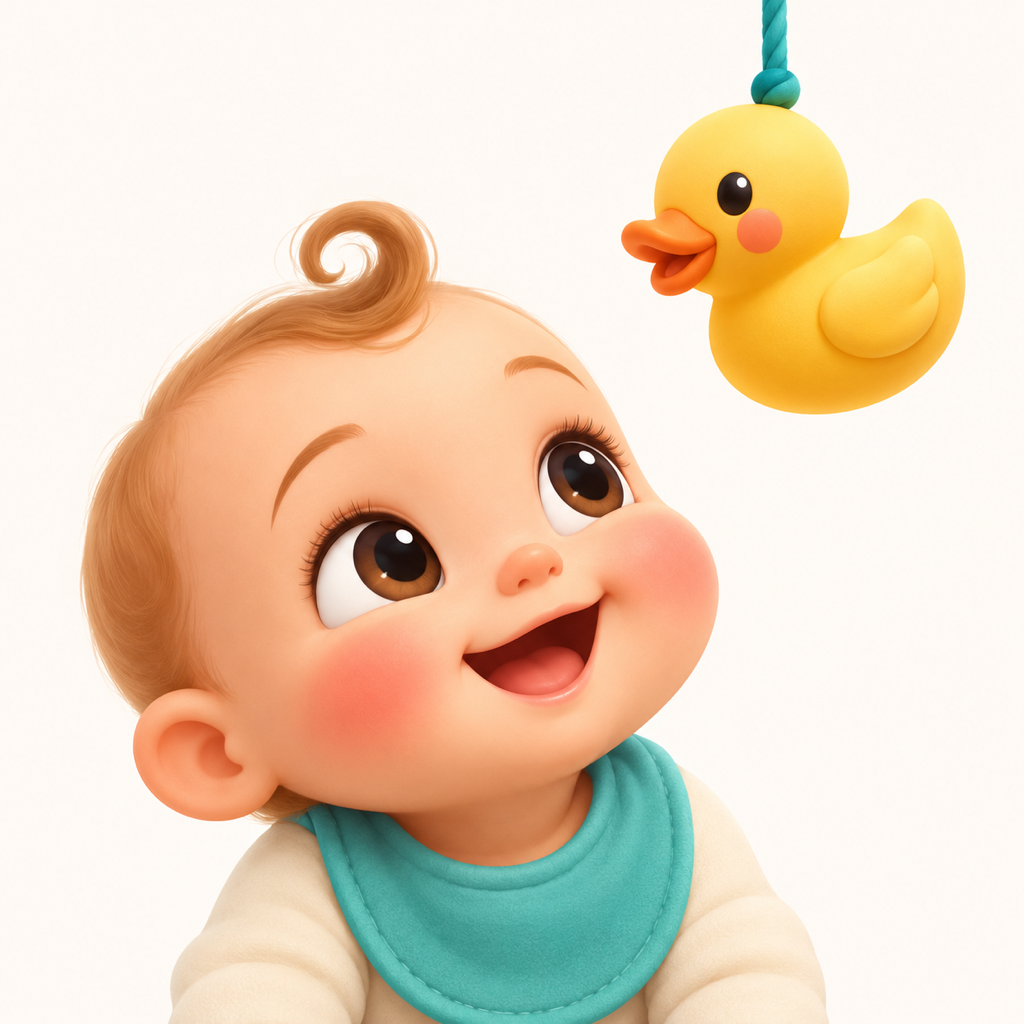
Peekaboo Bear
A friendly teddy bear full of playful surprises.
Baby Smile CamLittle smiles, happy memories
A little play. A lovely photo.
Getting your little one to look at the camera isn't always easy. Turn photo time into a playful moment with adorable characters, gentle animations, and cheerful sounds.
Made for parents and caregivers during supervised photo sessions.
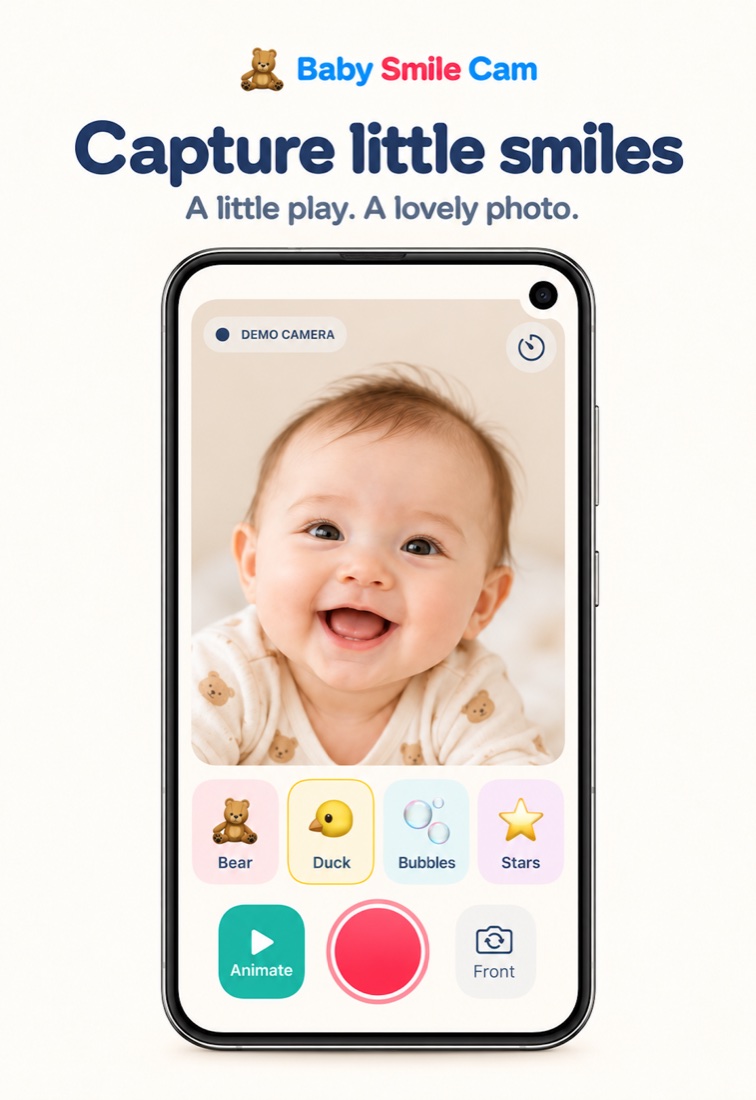
Make every photo a happy moment
Choose a character, start the fun, and keep your camera ready for the moment that matters.
A friendly teddy bear full of playful surprises.
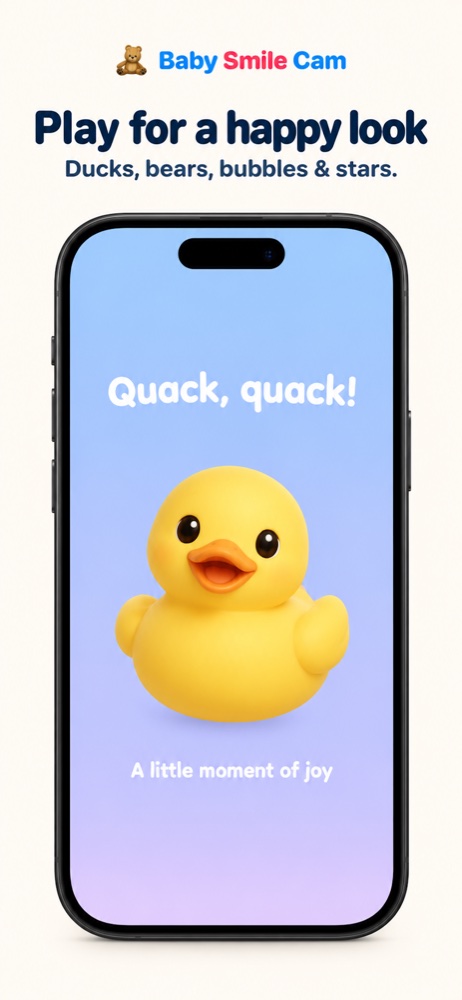
A cheerful little duck with happy moves and playful sounds.
Colorful bubbles float across the screen.
A little sparkle with gentle, fun movements.
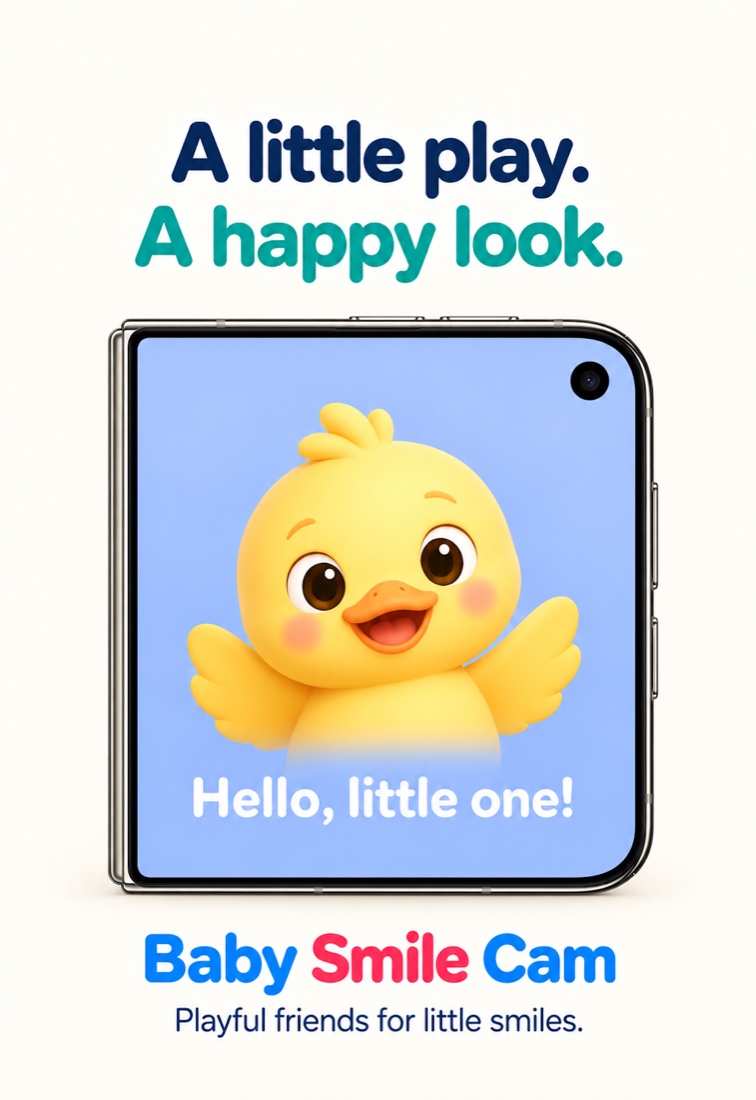
Designed for iPhone Duo
Designed for a dual-display camera experience: playful characters on the outer display help draw your little one's attention toward the camera while you frame the photo on the inner display.
On other iPhones, cheerful sounds help catch their attention while you take a photo.
Outer-display features depend on compatible Duo hardware, software, and camera availability. The images show the intended experience; display behavior can vary by device.
Simple, from the first tap
A live camera preview, one-tap character selection, easy Start and Stop controls, sound on or off, and photos saved to your library.
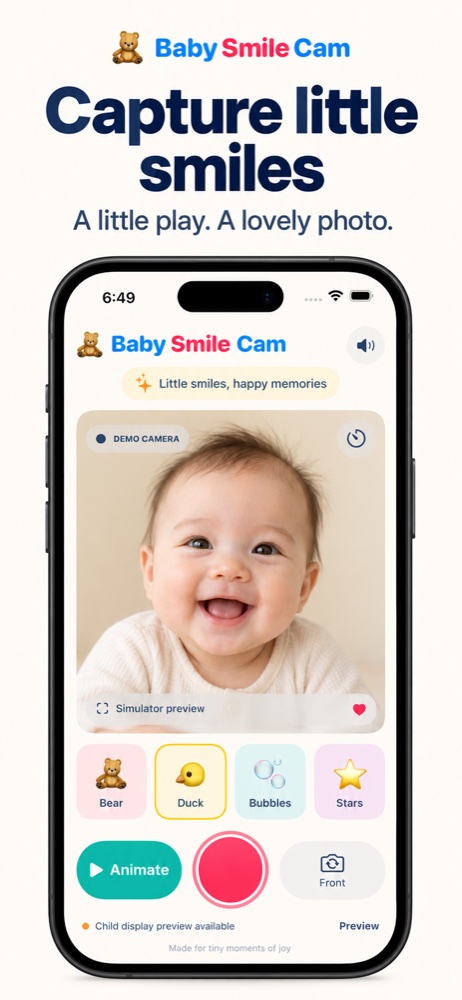
For the grown-ups
Parents and caregivers taking photos of babies and toddlers during supervised photo sessions. From first smiles and monthly milestones to everyday family pictures, you stay in control of the camera.
Yes. Baby Smile Cam offers playful sounds on regular iPhones. The outer-display animation experience requires compatible Duo hardware and software.
Yes. Use the sound control to mute playback and the Start and Stop controls to manage animations.
No. Camera images are processed on your device and captured photos are saved to your photo library with permission. The app has no third-party advertising or analytics. Read the Privacy Policy for details about permissions, storage, and deletion.
Camera access provides the live preview and takes photos. Add-only Photos access saves the photos you capture without granting access to browse your existing photo library.
Made for tiny moments of joy